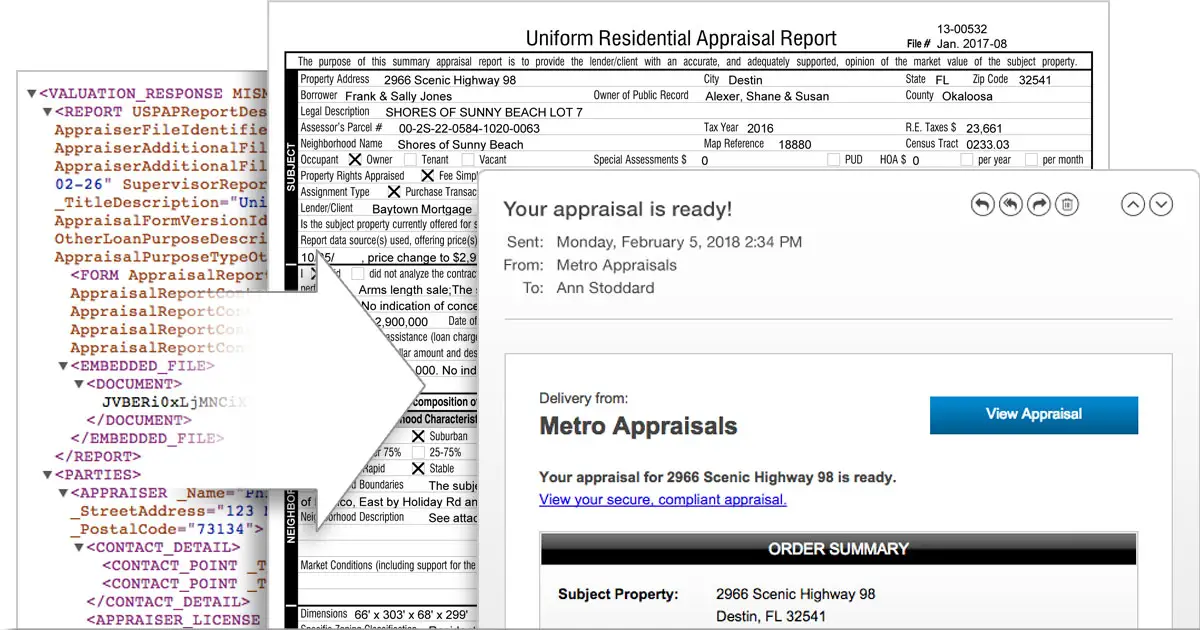
The XML file you send to the lender has the PDF of the appraisal embedded it it. The XML text fields are just the form (and some of the commentary).
alamode has a free xml viewer that can view the pdf and extract it:
UAD Reader is the only way to view and verify UAD appraisals in XML format. Eliminate the hassle, and make it easier for everyone to open, read, understand, and share XML appraisal reports.

www.alamode.com
alamode dot com/appraiser/uad-reader/download/
If push comes to shove you can import the XML into a Clickforms file, and then use the windows snipping tools to copy/paste the addenda/photos.
You can use any "cloud" option with Bradford (and any of the vendors if you do some work arounds). I use iCloud for the Clickform databases, settings, and quick comments so they can be shared/modified/updated with all the installed programs (office pc, home pc, laptops). I keep the appraisal files for the past few months on iCloud too, and then archive them offline. This makes it easy to work from anywhere, and is free unless you need/want to keep all your files online (need more space. About 99 cents per 50 gigs.).
alamodes premium service has the TitanDrive (aka Vault) which is a proprietary cloud. It's strength is that you can use the online web based forms to access and modify forms created on your desktop from any web browser. You don't need the software. However, it's expensive as you mentioned, and I personally do not like the idea of proprietary cloud systems.
FWIW all the vendors now encrypt their appraisal files. I think Bradford finally did it in 2016, so there are no more conversions with newer appraisal files contrary to what you might see on some websites.
PS the alamode advertisement that mysteriously appeared in the middle of this text is not my text.